
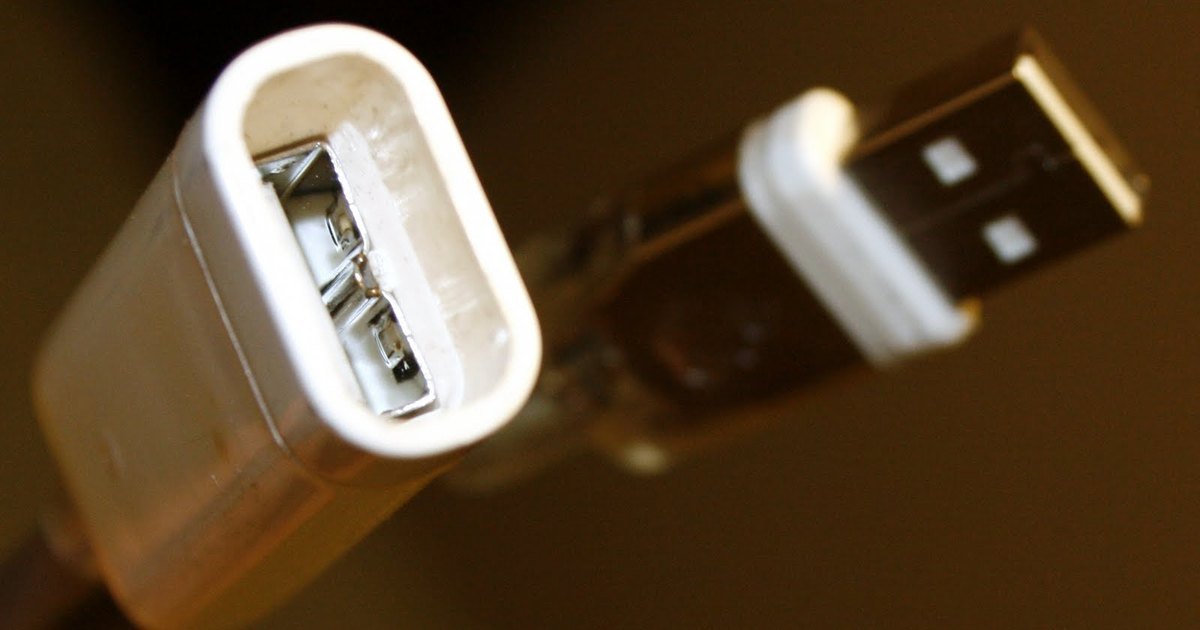
A USB-C port is a shape, not a promise. Two laptops with identical-looking sockets can differ hugely in how fast they move data and how much power they accept, and the cable in the middle adds another set of limits. Understanding which part does what saves money and avoids devices that charge slowly or transfer at a crawl.
Photo: Wikimedia Commons (CC BY-SA 3.0)
Three separate things share one connector
The oval plug and socket were introduced by the USB Implementers Forum as USB Type-C. On its own it only guarantees a shape and a reversible fit. What the port can do is decided by the USB version behind it, by the power features it supports, and by the cable you connect.
- The USB version sets data speed, from older USB 2.0 rates up to USB4, which is described on the standards body’s own page at usb.org.
- Power Delivery sets charging. It lets a charger and a device negotiate the voltage and current they will use.
- The cable sets the ceiling for both, and cheap cables often hit that ceiling early.
Charging: what Power Delivery changes
Without negotiation, a device takes a modest, safe amount of power and charges slowly. With USB Power Delivery, the charger and the device agree on a level both can handle, which is how one brick can top up a phone, a tablet and a laptop. The USB Implementers Forum’s charger page at usb.org explains that the specification was extended to carry up to 240W over a full-featured USB-C cable, well beyond the 100W available under the earlier revision.
Two practical consequences follow. First, a charger that supports a high wattage only delivers that wattage if the device asks for it. Second, a thin cable rated for low power will bottleneck an otherwise fast charger, so a laptop may charge slowly on a cable that works fine for a phone.
Data speed: check the version, not the shape
Data speed is the most common source of disappointment. Many USB-C cables and ports are wired for USB 2.0 speeds only, which is fine for charging and a mouse but painful for external drives or video work. Higher speeds arrive with USB 3.2 and USB4, and USB4 also supports several data and display protocols sharing one link, with backwards compatibility for earlier USB and Thunderbolt devices.
If you are buying a cable for an external SSD, a dock or a display, look for the exact USB version and any certification logo rather than a description that only mentions USB-C.
Quick checks before you buy
- What data speed does the listing state? If no speed is mentioned, assume the slowest.
- What wattage is the cable rated for, and does it match your device’s charger?
- Does the product list video or display support if you plan to run a monitor from it?
- Is there a certified logo from the standards body, or only a drawing of the connector?
Rules and labelling are slowly catching up
Regulators have pushed for a common charging port for small devices. In the European Union, common charger requirements sit alongside the radio equipment rules, which the Commission summarises at ec.europa.eu. Separately, the USB standards body has published language guidelines so manufacturers describe data speed and power consistently rather than hiding behind the connector name.
When you buy, prefer vendors that put the version, the wattage and the speed in writing. A cable that states exactly what it does is usually the one that does it.
The bottom line
USB-C is the plug. The USB version sets speed, Power Delivery sets charging, and the cable quietly caps both. Match all three to the job and you will stop wondering why the same-looking cable behaves so differently in each socket.